Skip to content

Recover lost Facebook games

Files from games that shut down may still be sitting in the browser cache of an old computer of yours or your family's. If we gather enough pieces, we will try to bring the game back.

  • Free
  • Step by step
  • Private sending

Before touching the old computer

  • Do not open the browser

    Not Discord either. The files we need can get deleted.

  • Do not clean or format

    No cleaners or "optimizers" on that computer.

  • Know what you are sending

    The .7z and CSV files show pages you visited and your Windows user name. Send them only if you agree.

  • Nothing in public

    The link goes only by ticket. We never ask for passwords or money.

Wanted

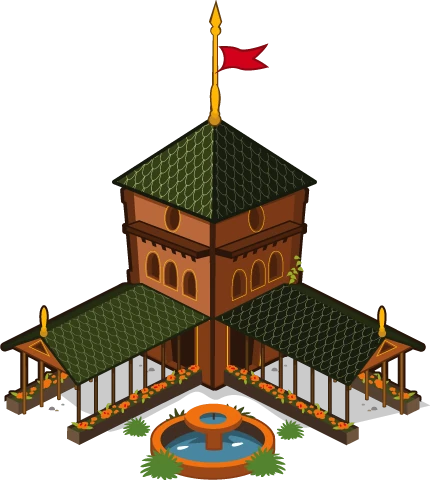
My Shops

Pretty Simple's shop game on Facebook

If you opened shops on your street, your computer may hold the missing pieces.

Main files

MyStreetLoaderR.swfMyStreetGameR.swf

Game addresses

d13qpkenb3q1p6.cloudfront.netmyshopsgame.com

Remember it on the fan wiki

Looking for another game? Tell us its name in the #lost-games channel on our Discord and we will try to find its addresses.

How to do it in 3 steps

You need a USB drive and the old Windows computer.

  1. Step 1: back up the cache on Windows

    1. On your current computer, open the Flashpoint guide and download "Flashpoint Cache Exporter" from the link on that page.
    2. Move it to the old computer with a USB drive.
    3. Put it on the Desktop, extract it and run FlashpointCacheExporter.bat (on Windows 98 or ME, Win-98-ME-FlashpointCacheExporter.bat).
    4. Press Enter and wait for the 14 steps to finish.
    5. Repeat for each Windows user on that computer.

    When it finishes you will have ExportedCache.7z and ExportedCacheInfo.7z (with the CSV lists). These help us the most. If your antivirus warns you, do not disable it: ask first.

  2. Step 2: add the game files, if you can

    1. In the tool folder, open App and run the viewer for your browser: ChromeCacheView, IECacheView (Internet Explorer), MZCacheView (Firefox), OperaCacheView or SafariCacheView.
    2. Click the URL column to sort and look for the game's address.
    3. Select those rows (click the first, Shift and click the last) and press F4.
    4. Choose a new empty folder and keep "Save the files in the directory structure of the Web site" checked.
    5. Compress the folder into a .zip.
  3. Step 3: send it privately

    1. Upload both .7z files and, if you made it, the .zip to your own Google Drive.
    2. Press "Share" and under general access choose "Anyone with the link" as Viewer, never as Editor.
    3. Open a ticket with the category "General contact / Suggestion", write the game's name and paste the link.

    There is no shared folder: everyone uses their own Drive. Whoever opens the link can see your Google account name.

What to send and what not

Send this

  • ExportedCache.7z
  • ExportedCacheInfo.7z, with the CSV lists
  • .swf and .swz files
  • Pictures, sounds and .xml data

Do not send this

  • Passwords or personal documents
  • .exe, .bat and .msi programs
  • Files in the Discord channel
  • Links posted where everyone can see

The .7z and CSV files show pages you visited and your Windows user name: send them privately only, and only if you agree. They are used only to look for game files.

Where to look

The odds for any single machine are low, because browsers delete old files. That is why more people searching helps.

  • Your computer from back then

    The desktop or laptop you hardly switch on anymore.

  • A stored hard drive

    Read it from another computer with a SATA/IDE to USB adapter. Do not format it.

  • A relative's computer

    Ask permission first and search together.

  • Backups

    USB drives, DVDs or external disks holding your old Windows user.

What happens next

  1. You search

    You back up the cache with the tool.

  2. You send

    Your Drive, a view-only link, by ticket.

  3. We gather pieces

    We compare what several people send.

  4. We try to rebuild

    If there is enough, the game and its server get rebuilt. No promises.

Games that are already back

These classics can be played again on FB Games as browser editions.

Town hall and villagers from Social Empires, a strategy game in your browser
Available

Social Empires

Build your village, train troops and defend it from the trolls. You play in your browser, and your village is saved to your account.

StrategyVillagePvP
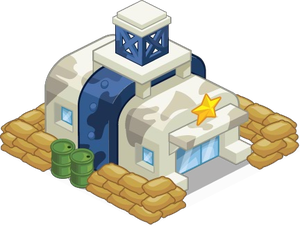
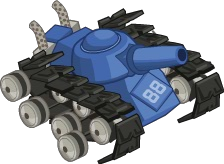
Command center, tank and tower from Social Wars, a military strategy game in your browser
Almost finished

Social Wars

Strategy warfare in your browser: build your base, train troops and tanks and attack your rivals.

Almost finished: we're now polishing bugs and performance, such as low FPS.

StrategyWarPvP
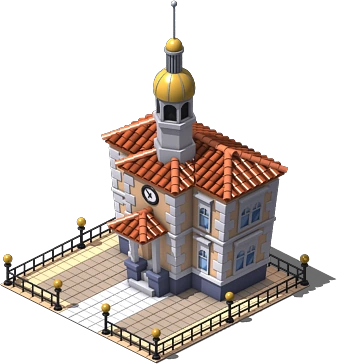
Town hall, tank and observation balloon from Empires & Allies, a strategy game in your browser
Almost finished

Empires & Allies

Empire strategy in your browser: build your base, produce resources and recruit troops and vehicles.

Almost finished: we're now polishing bugs and performance, such as low FPS.

StrategyEmpireArmy
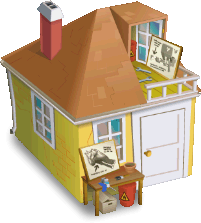
House, firefighter zombie and construction worker zombie from Zombie Lane, a zombie farming game in your browser
Almost finished

Zombie Lane

Farming and survival in your browser: defend your home from zombies, grow crops, build and help your neighbors.

Almost finished: we're now polishing bugs and performance, such as low FPS.

ZombiesFarmingSurvival
City hall, bakery and house from CityVille, a city-building game in your browser
In beta

CityVille

Build your city in your browser: put up houses and businesses, grow crops and collect rent.

In beta: parts of the artwork and of the missions are still missing, and you may run into bugs.

CityBuildingCrops
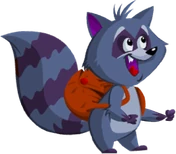
Raccoon, cannon and colored bubbles from Bubble Island, a bubble shooter in your browser
In beta

Bubble Island

Shoot bubbles from your cannon, clear the tropical island and climb the weekly tournament with your friends.

In beta: some sounds and part of the artwork are still missing, and you may run into bugs.

BubblesPuzzleTournament

Frequently asked questions

What personal data could the files contain?

The .7z and CSV files show the pages you visited and your Windows user name, and saved pages may contain names, including your friends'. Send them only if you agree, and always privately.

Can a phone or tablet help?

This guide covers computer browser caches. If you still have an old game app on a phone, or as an .apk or .ipa file, tell us on Discord before deleting anything.

Can my saved progress be recovered?

No. Your progress lived on the original servers. What can be rescued from your computer are game files.

Does it cost anything?

No. You pay nothing to send files or to ask us to look for a game.

If I send files, will the game come back?

We cannot promise it. It depends on how many pieces are gathered and whether they are enough to rebuild it.

Can someone change or add things to what I send?

Everyone uses their own Drive and shares as Viewer, so other players cannot touch it. No files are uploaded to this website.

FB Games is an independent project, not affiliated with Facebook, Meta or the original studios.